On Friday the 16th, an angel in white, glowing robes delivered a shiny new iPad to my desk, as heavenly music played softly in the background. (I may be misremembering the details.)
The most talked about feature of the new iPad is, of course, the shiny new retina display (a 2048×1536 resolution). A few apps really show this off, and text is certainly crisp, but a few people wondered aloud, “Is it really that big of a difference?” Yes, it is.
Naturally, I had to play around with getting WSX to show a retina-friendly desktop. See, by default, everything is scaled up 2x to simulate the resolution of the original iPad (1024×768), but they have some support in there for loading higher-resolution images. Turns out, with some tricks, you can also make the canvas retina-friendly.
So let me show off what my desktop here looks like with some apps open on the iPad 1.
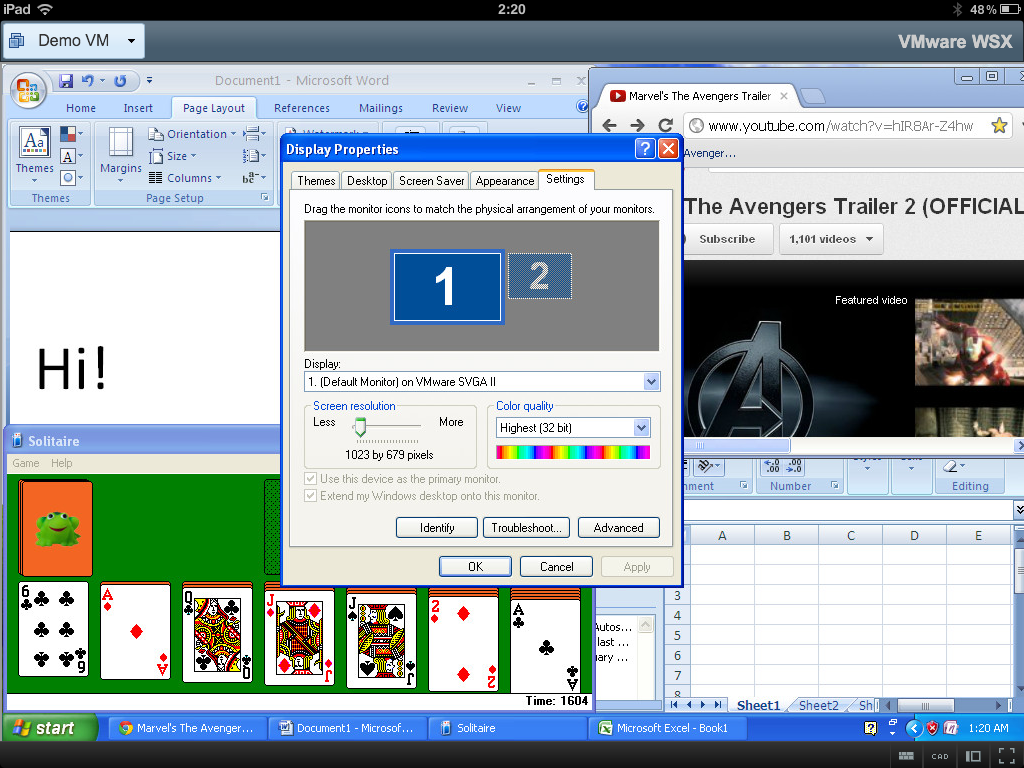
Okay, that’s a bit crowded, but it’s only a 1024×768 resolution (minus some UI at the top of the screen). How about with the retina display?
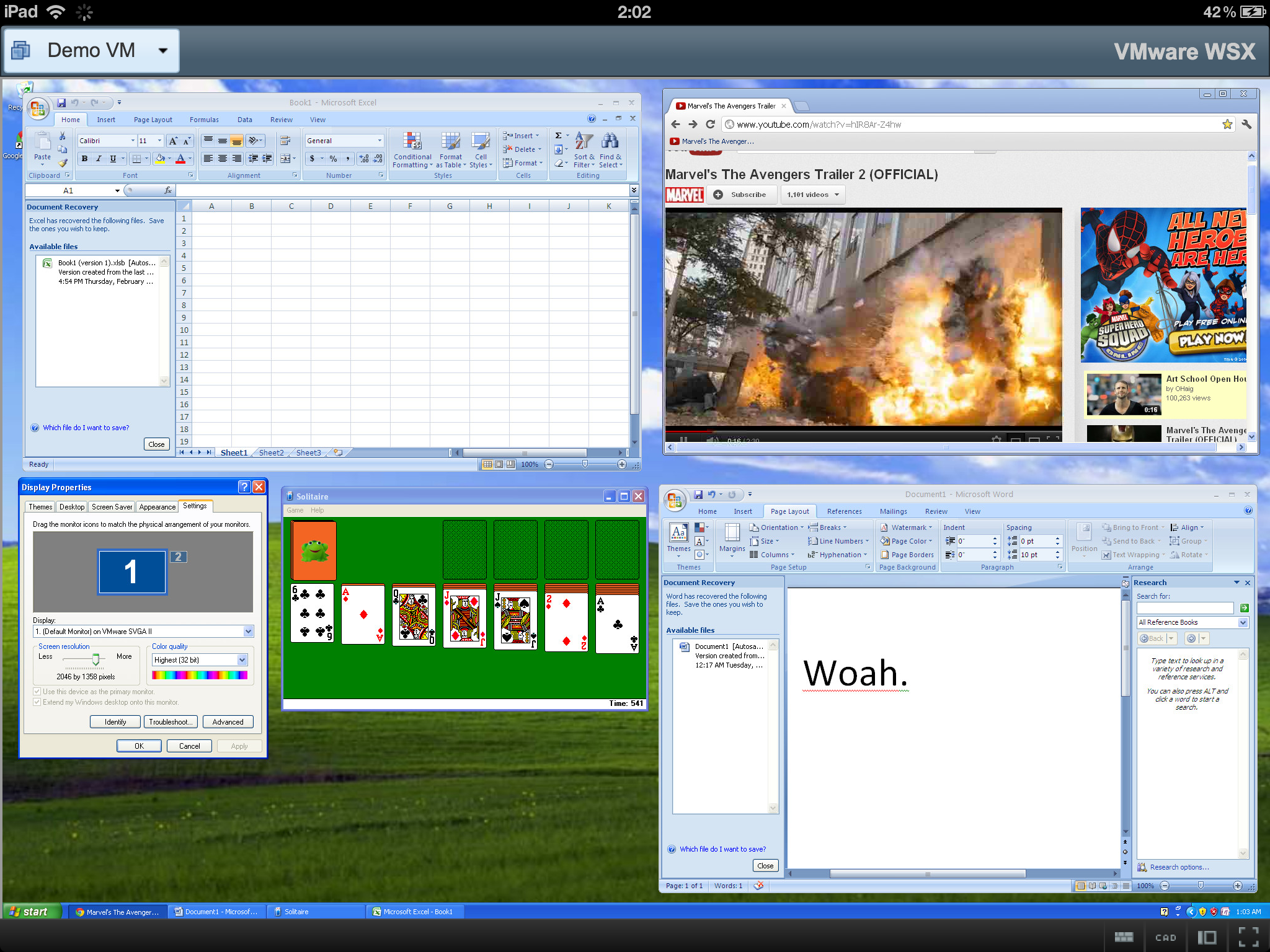
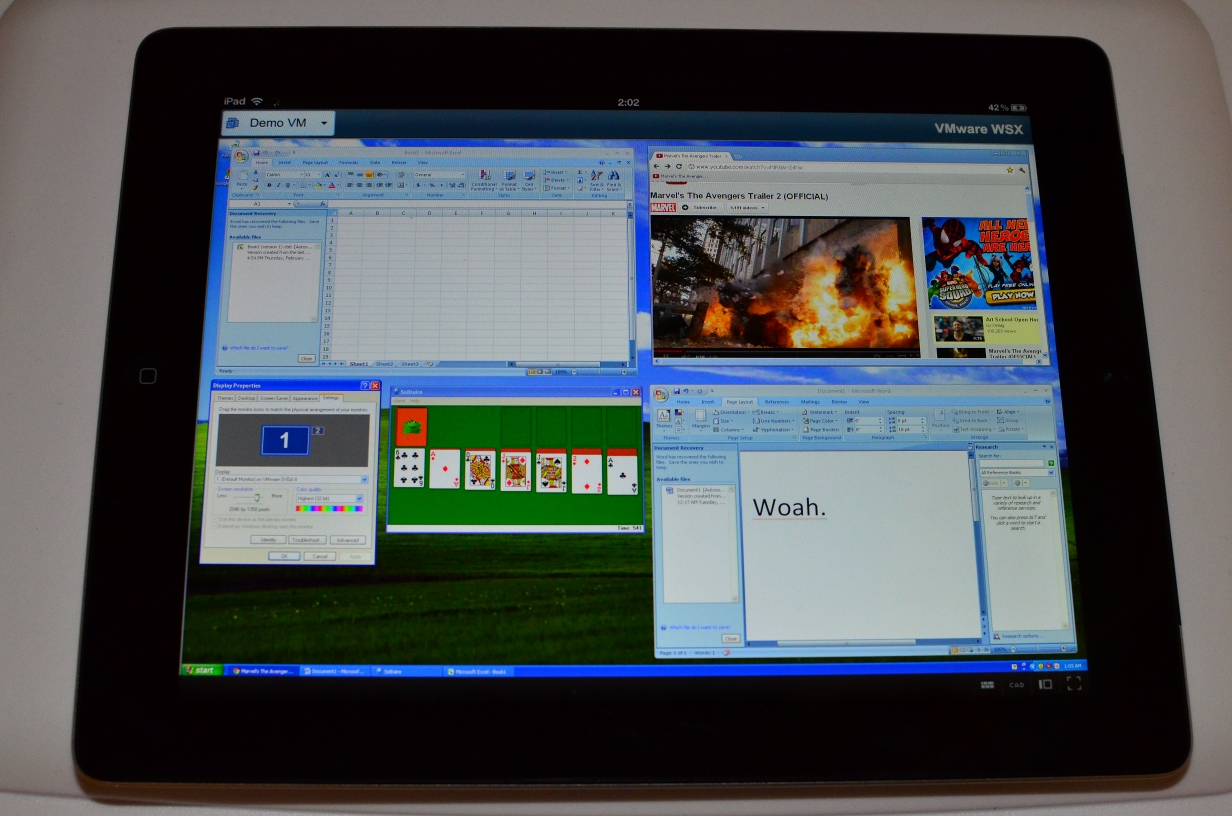
Wooo. Looks pretty awesome, right?
Of course, the problem is that everything is very tiny. This is usable if you increase the DPI a bit, but I’m thinking about some magnifying support now. Still, pretty cool.
Thats very, very cool, I wonder how Windows 8 would work with its touch designed UI ?
Cool indeed!
Wow, now that’s tempting.
Now if only I could get a laptop display with that resolution…
You can. 🙂 Take your current laptop with an inadequate screen (like the Thinkpad T410 that I am using at the moment), and use an RDP client to control it. Figure out how to turn off the built-in display to save battery. Figure out how to send keystrokes on the laptop keyboard into the iPad 3 via bluetooth. Put the iPad 3in a non-slip case and lean it up against the pointless laptop screen.
You’ll have more extended the life on your laptop as you’ve removed one of the larger battery draws, added a touchscreen, gained iOS compatibility, and found a free Bluetooth keyboard. : – )
Awesome job, bro. I love the screenshots. =:)
OK, that’s looking nice!
Next step: Could you let us know how it looks when AirPlay Mirroring to a 1080P monitor hanging on a wall? 🙂
Pingback: VMware WSX TP2: Faster, Shinier, and Less Broken « ChipLog